Website developer
Sites, stores, and the systems behind them.
I design and build websites for companies that sell, teach, and operate in public. The same practice covers the software a team uses every day: ERP, HRM, and CRM.
riseofits.com
01 — Selected work
Live websites
Six sites on the web now, across automotive, education, apparel, local retail, and IT services.
stgroupofcompanies.com 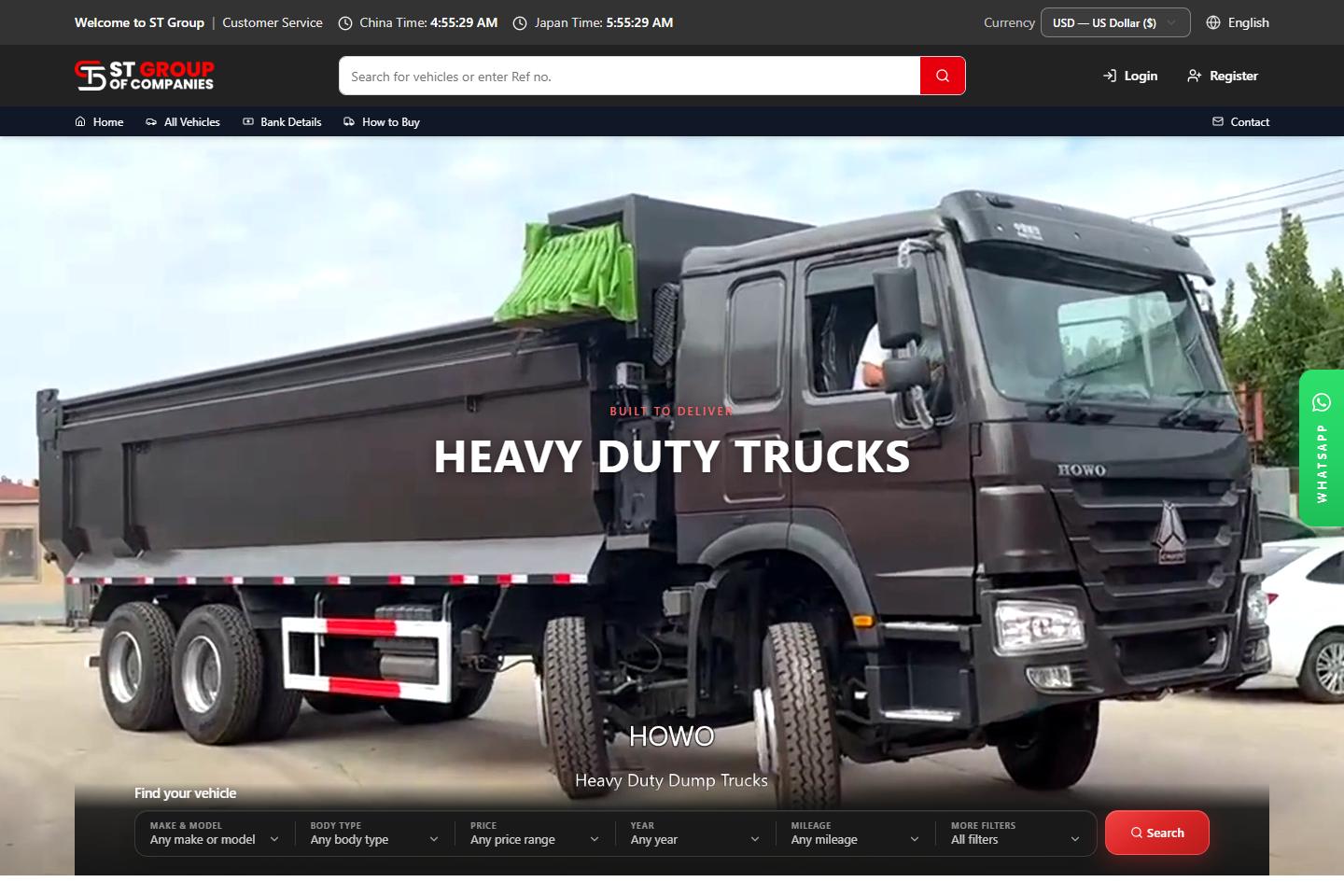
01 — Automotive
Open site (opens in a new tab)ST Group of Companies
A showroom on the web for used cars, trucks, and imported machinery, with a catalog buyers can browse.
najamacademy.com 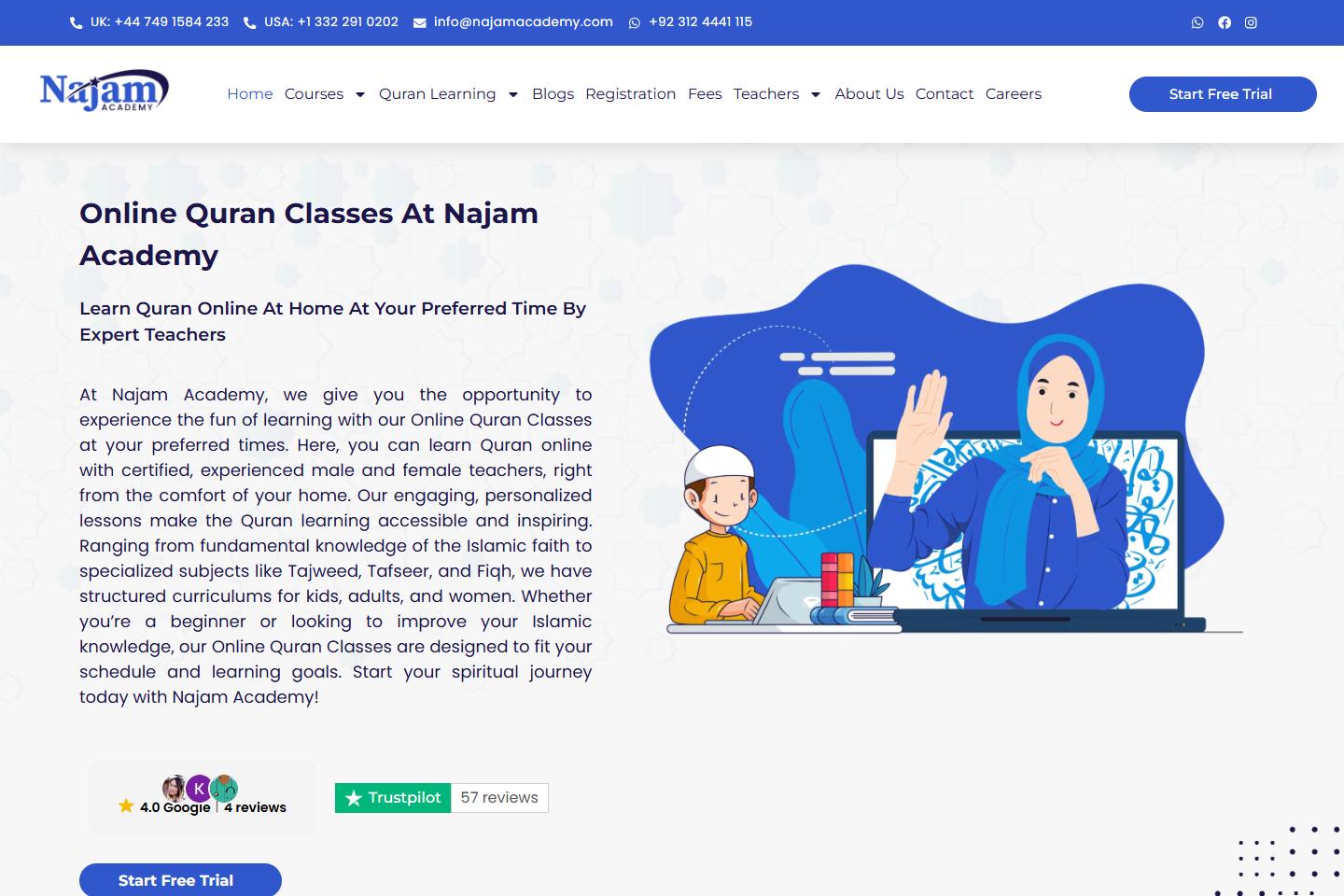
02 — Education
Open site (opens in a new tab)Najam Academy
An academy site for live online Quran classes, with courses for children and adults, trial booking, and a path to enrollment.
bestdayshirts.com 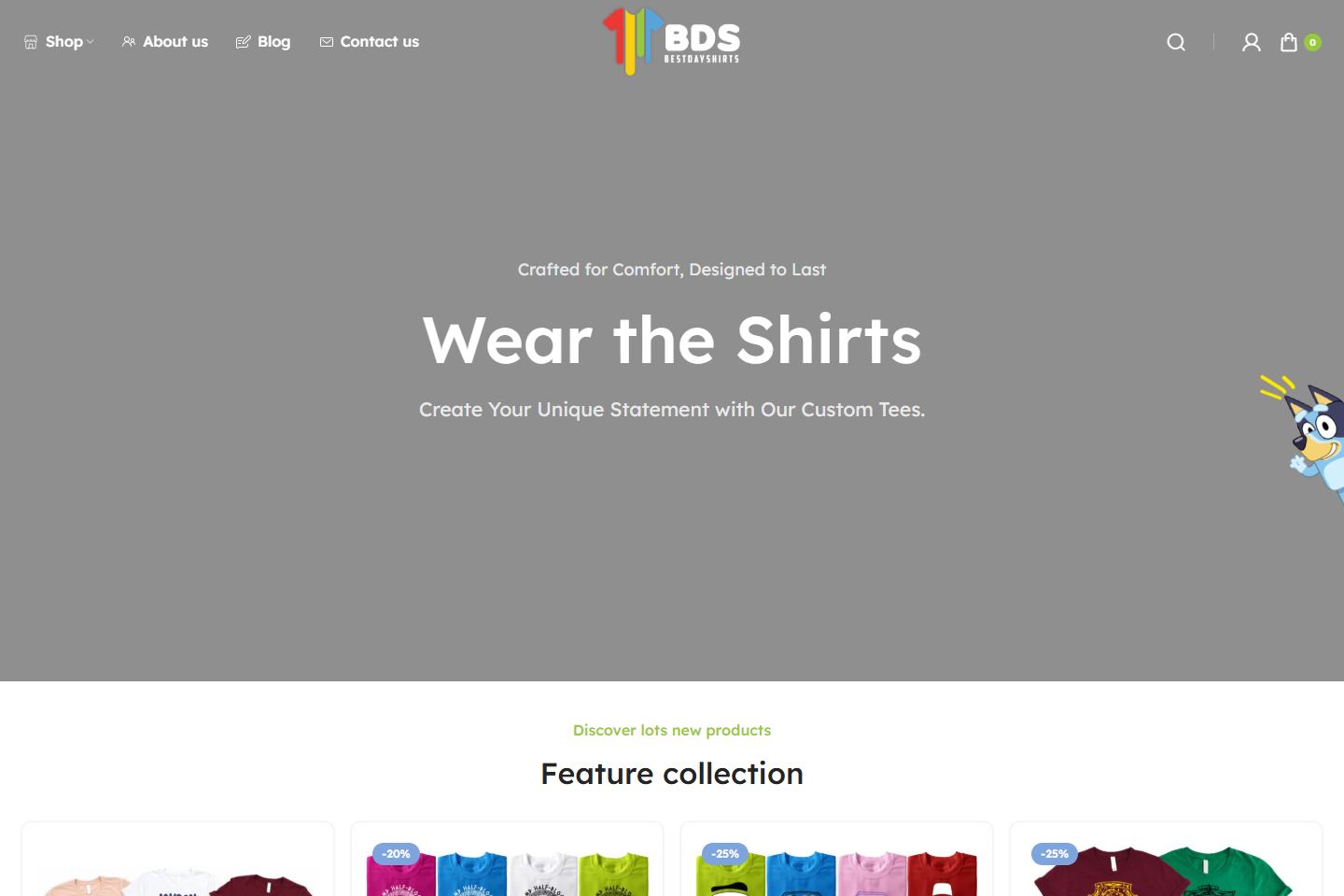
03 — E-commerce
Open site (opens in a new tab)Best Day Shirts
An online shop for custom and themed family shirts, with collections, sale pricing, and a cart ready for an order.
hamiltonelectricbikes.ca 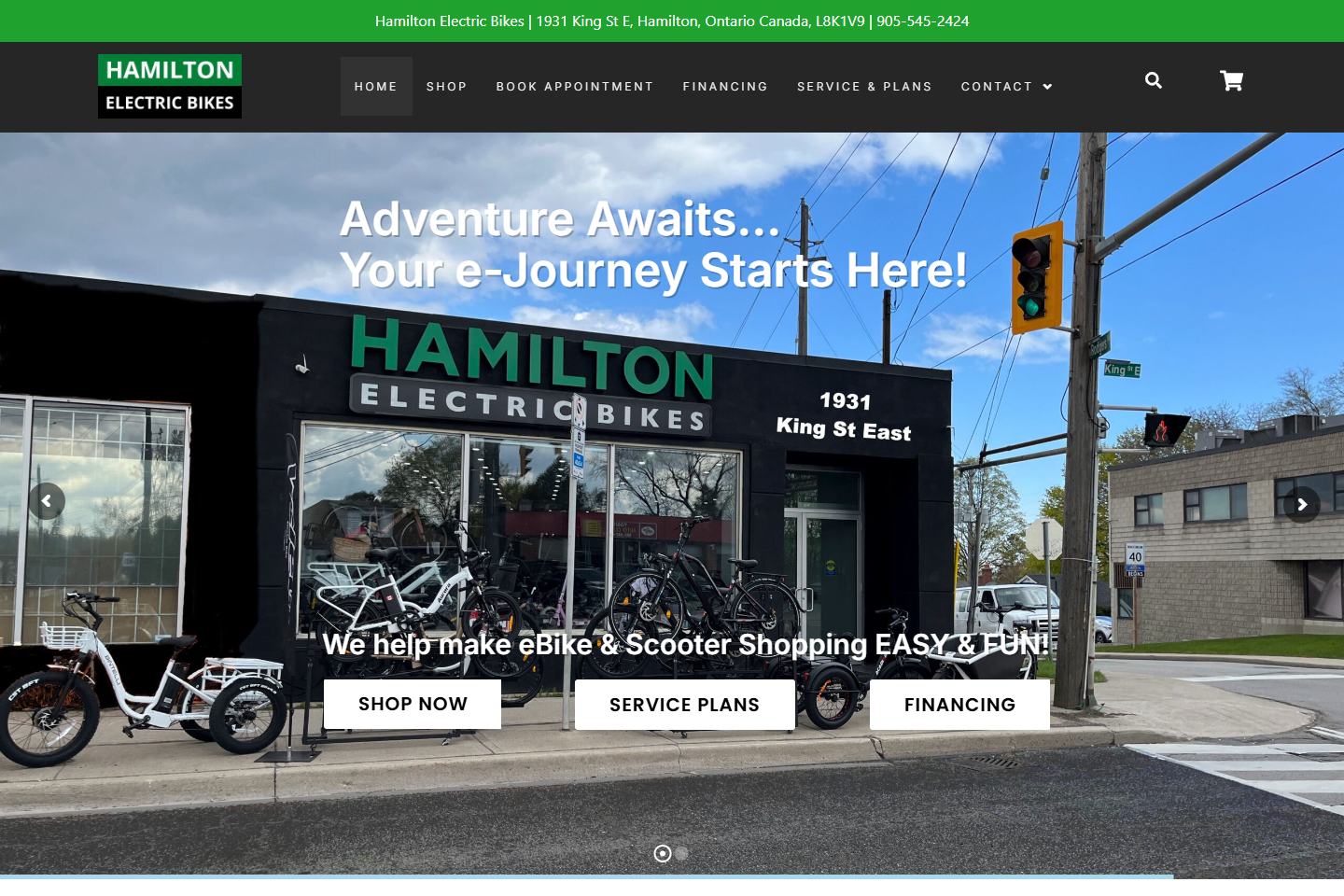
04 — Retail
Open site (opens in a new tab)Hamilton Electric Bikes
A shop site for e-bikes and scooters in Hamilton, Ontario, covering brands, financing, service plans, and appointments.
expertscommunication.net 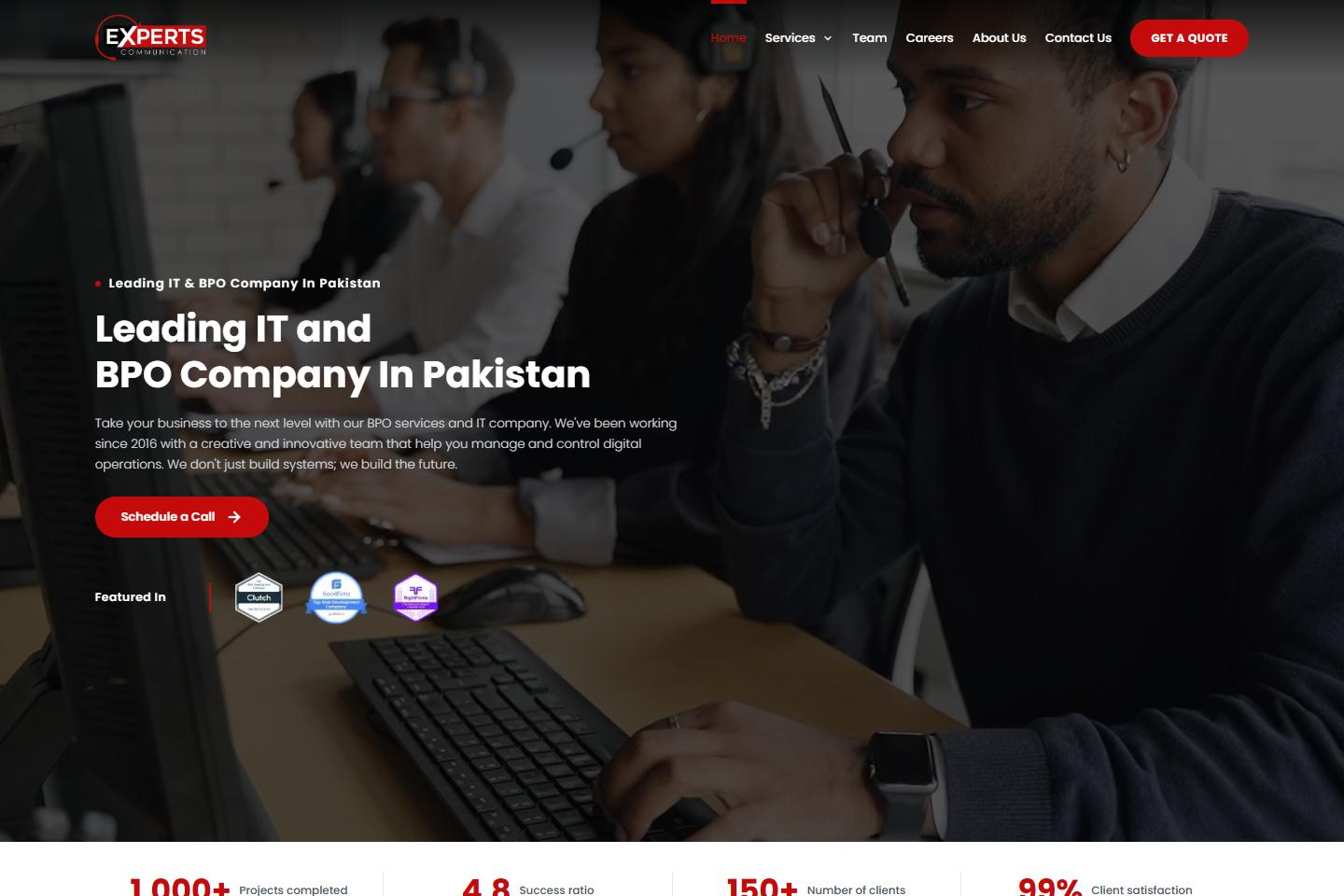
05 — BPO and IT
Open site (opens in a new tab)Experts Communication
A company site for a BPO and IT firm: call-center services, digital marketing, and software, with a direct way to enquire.
expertcodecraft.com 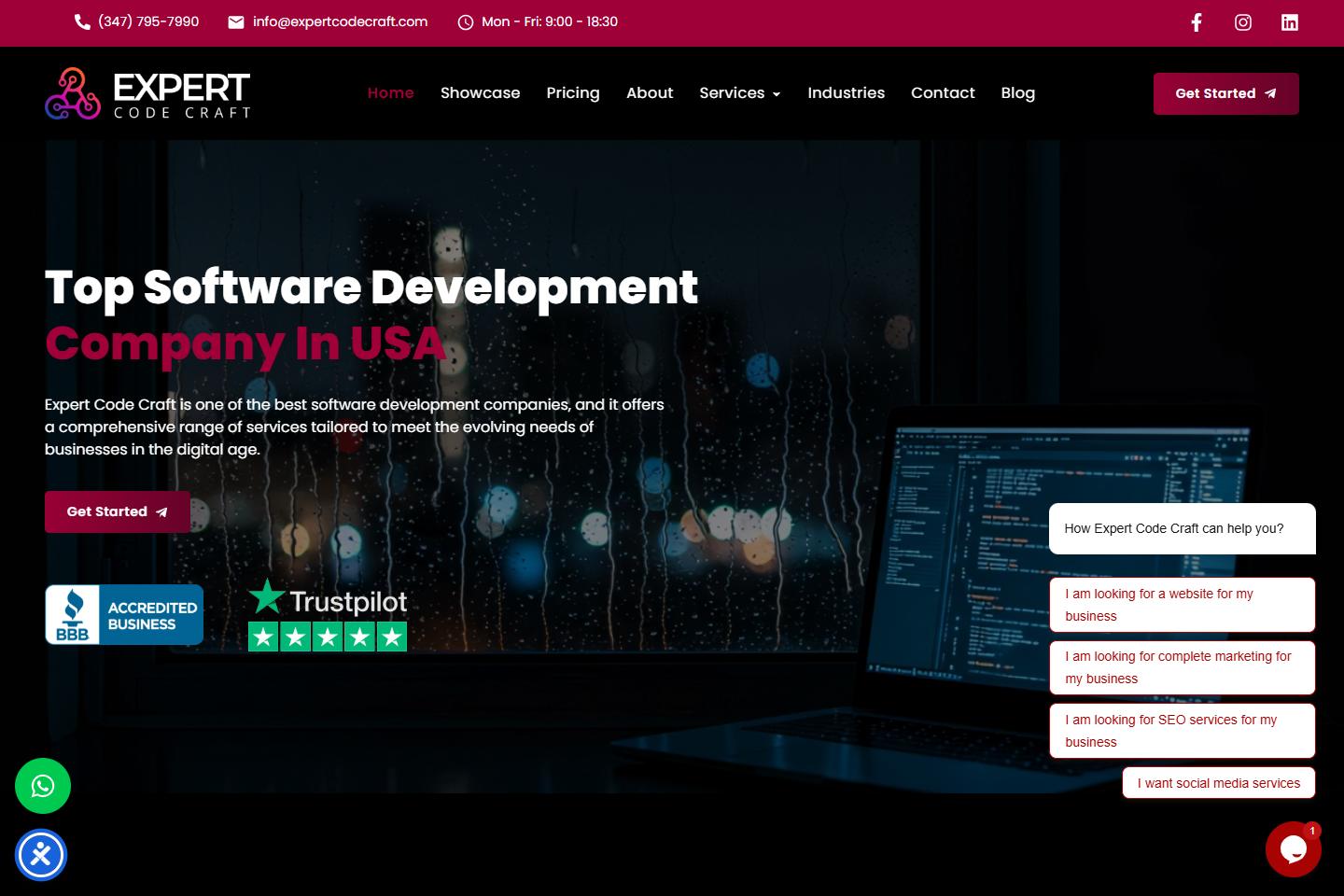
06 — Software studio
Open site (opens in a new tab)Expert Code Craft
A studio site for custom websites, online stores, and software, from a single landing page through to larger builds.
02 — Software
ERP, HRM, and CRM for the work after the homepage.
Alongside the public site, I build the system the team opens every day. Each one is fitted to the operation, with the records, screens, and reports that job actually needs.
ERP
Enterprise resource planning
Stock, purchasing, invoices, and a view of what each part of the company is doing. Shaped around the way the team already works.
- Inventory and purchasing
- Invoicing and accounts
- Branch and operations visibility
HRM
Human resource management
People, leave, attendance, and payroll in one place, so a growing team has a single record for day-to-day HR.
- Employee records
- Leave and attendance
- Payroll runs
CRM
Customer relationship management
Leads, conversations, and the next follow-up. A customer history that sales and support can both open.
- Pipeline and leads
- Follow-ups and notes
- Customer history
Also in the practice: Booking · Learning portals · Inventory · Client dashboards · Admin tools
03 — Services
What I take on
- 01
Websites
Company and campaign sites with a clear offer, a next step, and a layout that holds up on a phone.
- 02
Online stores
Catalogs, collections, and checkout for products people browse, compare, and buy.
- 03
Business software
ERP, HRM, CRM, booking, learning portals, and admin tools for the work that continues after the homepage.
- 04
Care
Redesigns, speed, and the updates that keep a live site or system accurate after launch.
04 — Approach
How a project runs
01
Listen
What the site or system has to do, who uses it, and what finished looks like.
02
Shape
Structure, visual direction, and the paths a visitor or a staff member actually takes.
03
Build
Pages, products, and software, checked in the browser as each piece comes together.
04
Hand over
Launch, the small fixes, and a clear way for you to keep the work current.
05 — Contact
Tell me what you are building.
A website, a store, or a system for the team. A few lines on what it needs to do is enough to start.